Sales and invoicing
From quote to invoice to credit note, with receivables that update as money comes in.
Start free See it in a live demo
What it does
- Quotes that turn into sales orders and then invoices
- Invoice numbers that never skip, even when a save fails
- Credit notes and returns
- Receivables aging and customer statements
Who it is for
Service firms, distributors and shops that invoice their customers regularly.
Highlights
- Quotes become sales orders, and sales orders become invoices with one click
- Invoice numbers run in order and are assigned only when an invoice is saved
- Customer statements and an aging list show who owes what, and by how many days
- Recurring invoices for retainers, rent and fee plans
Works with
General ledgerInventoryCustomer remindersPayments and receiptsEmail and WhatsApp
Questions about this module
Can I send invoices by WhatsApp or email?
Yes. Invoices and statements go out by email, and message channels are available where your country supports them.
Does it handle tax on each line?
Each line can carry its own tax code, and the totals show tax by rate, as your country's rules require.
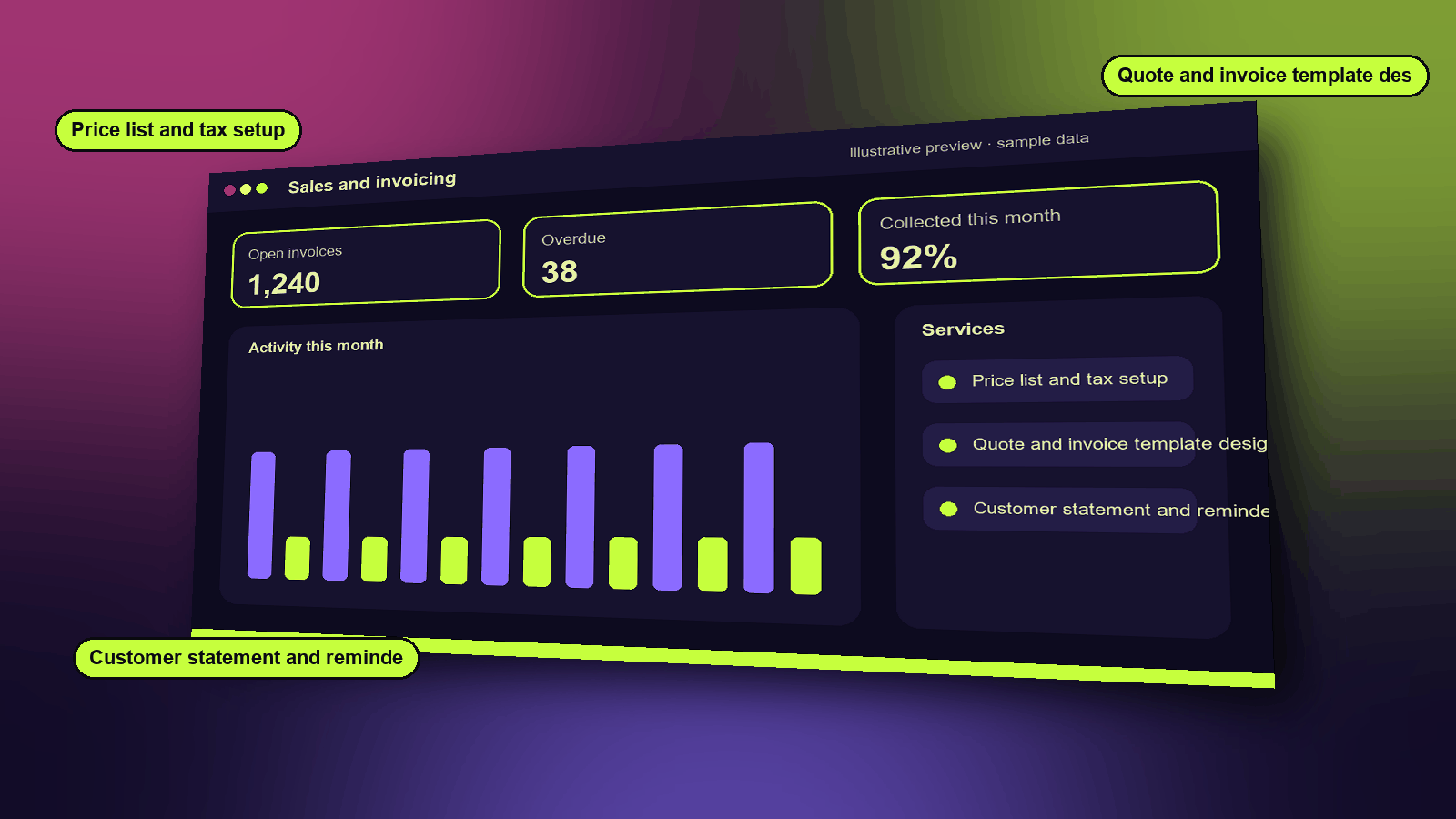
Services
- Price list and tax setup
- Quote and invoice template design
- Customer statement and reminder setup
Functions
- Quotes that convert to orders and invoices
- Invoice numbers issued on save
- Credit notes and returns
- Receivables aging
- Customer statements
How it works
- Create a quote and send it to the customer.
- Turn the accepted quote into an invoice with the next number in sequence.
- Record payments as they arrive, and follow up overdue invoices from the aging list.
A typical example
A consultant bills for a month of work. The invoice is numbered in order, and the customer's late payment appears on the aging list the following week.
Industries that use it
Example scenarios
See it, then decide
Book a 20-minute demo slot, or request a free trial. We reply by email to confirm.