Automation
Rules that run when something happens: notify, post, create a task, or send a report on a schedule.
Start free See it in a live demo
What it does
- Starts on events such as a sale, a late payment, or a low stock level
- Actions such as notify, post to the ledger, or create a task, with conditions
- Scheduled reports delivered by email or chat
- Webhooks so your own systems can subscribe to events, with signed requests
Who it is for
Any business that repeats the same steps every day, and developers who want to connect other systems.
Highlights
- Rules start on events such as a sale, a late payment or a low stock level
- Actions include a notification, a ledger posting, or a task for a person
- Scheduled reports are sent by email or chat
- Webhooks let your own systems receive signed events
Works with
Sales and invoicingInventoryReceivablesEmail and chatYour own systems through webhooks
Questions about this module
Can I see what a rule did?
Yes. Every run is logged with the time, the trigger and the result.
Can my developer connect another system?
Yes. Webhooks deliver signed events, and the API documents each event.
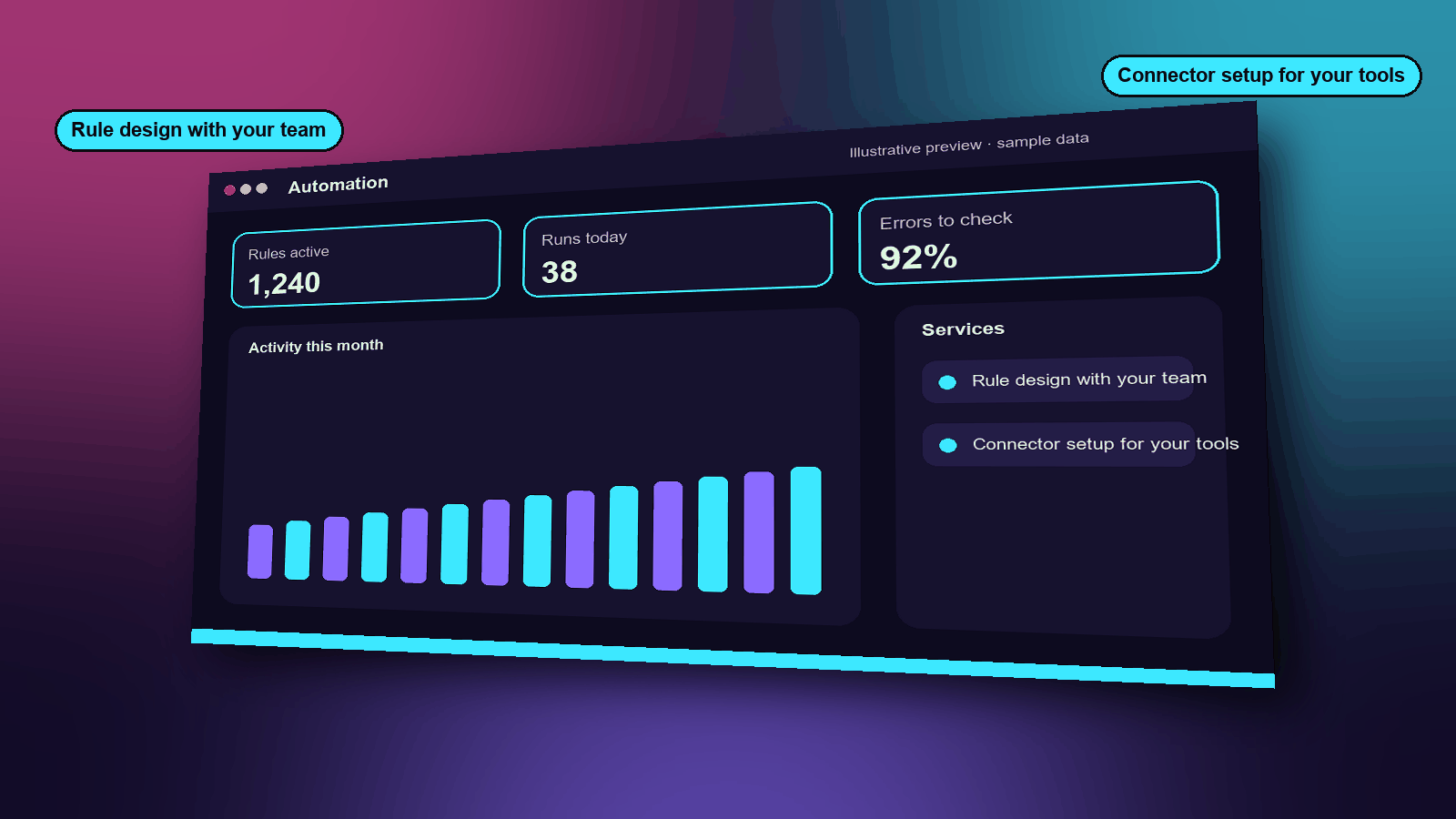
Services
- Rule design with your team
- Connector setup for your tools
Functions
- Triggers and conditions
- Actions such as notify, task or post
- Scheduled reports
- Signed webhooks
- Run history and retries
How it works
- Choose what should start the rule, such as a sale or a late payment.
- Choose what should happen, such as a reminder, a task or a posting.
- Review the log to see each time the rule ran and what it did.
A typical example
An invoice is 14 days overdue. The rule sends the customer a polite reminder and adds a task for the owner to call them.
Industries that use it
Example scenarios
See it, then decide
Book a 20-minute demo slot, or request a free trial. We reply by email to confirm.