AI agents
Agents that do routine work inside the limits you set, and hand anything unusual to a person.
Start free See it in a live demo
What it does
- Each agent runs with its own role, spending limits and the modules it may touch
- Drafts quotes and follow-ups from the pipeline, and proposes next steps for approval
- Prepares reconciliation lists and month-end checklists, and flags unusual entries
- Every agent action is logged in the audit trail, and a kill switch stops an agent at once
Who it is for
Owners and managers who want routine work done without losing control of the books.
Highlights
- Each agent has its own role, spending limits and the modules it may use
- Agents draft quotes, follow-ups and purchase orders for you to approve
- Prepares reconciliation lists and month-end checklists
- Every agent action is logged, and a single switch stops an agent at once
Works with
Sales and invoicingPurchasingGeneral ledgerAutomation rulesYour approval queue
Questions about this module
Can an agent spend money without asking?
No. An agent can only draft. Spending and posting need your approval, unless you set a limit you are comfortable with.
How do I stop an agent?
Switch it off from its page. It stops at once, and its open drafts stay in the queue for you to review.
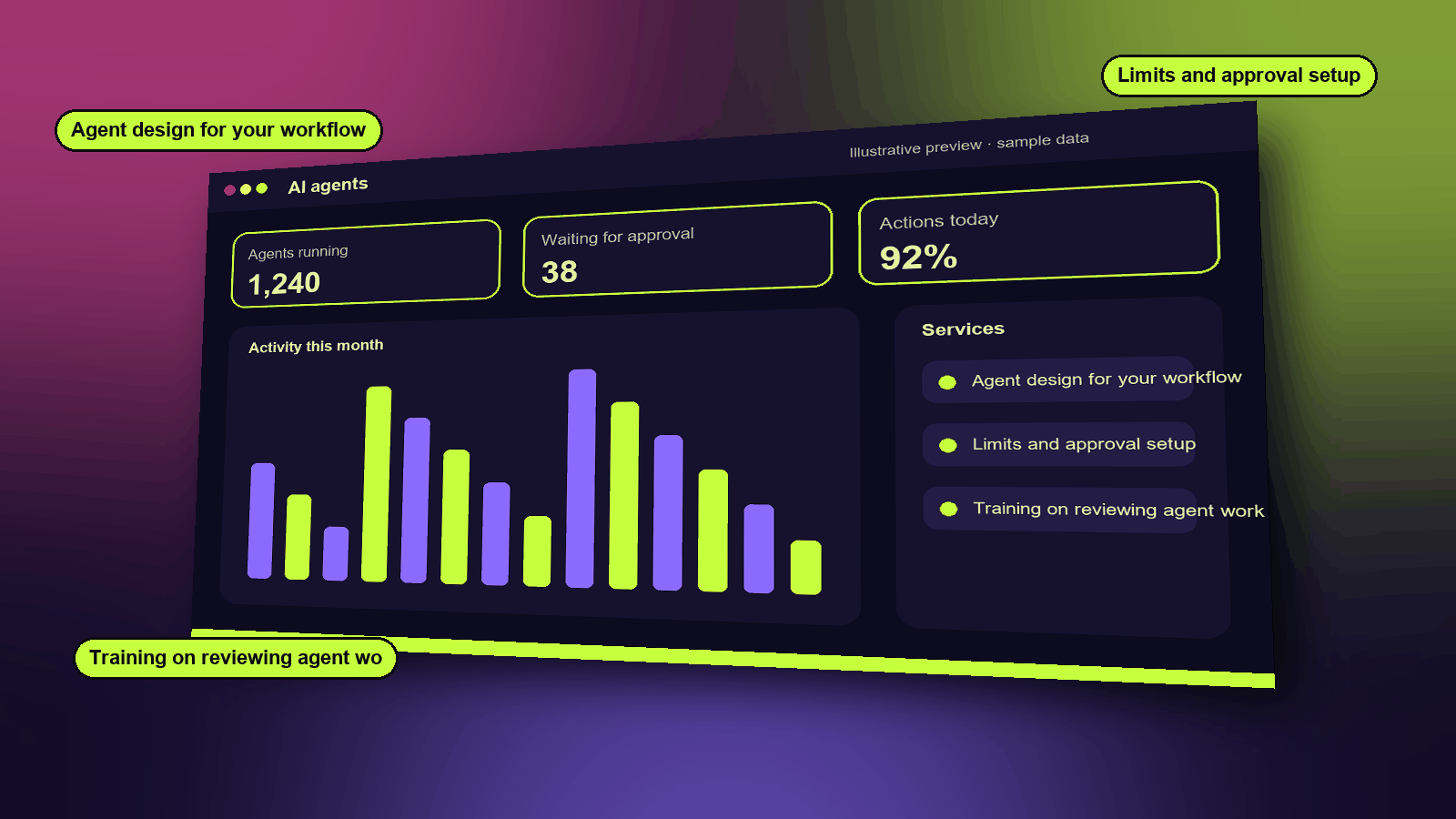
Services
- Agent design for your workflow
- Limits and approval setup
- Training on reviewing agent work
Functions
- Named roles and limits per agent
- Drafts for approval
- Full action log
- Kill switch
- Escalation to a person
How it works
- You set what each agent may do and how much it may spend or post.
- The agent drafts its work, such as a follow-up or a purchase order.
- You approve, change or reject it. Every action is logged, and you can stop an agent at once.
A typical example
A restocking agent notices that a fast-selling item will run out in five days. It drafts a purchase order, and the owner approves it with one tap.
Industries that use it
Example scenarios
See it, then decide
Book a 20-minute demo slot, or request a free trial. We reply by email to confirm.